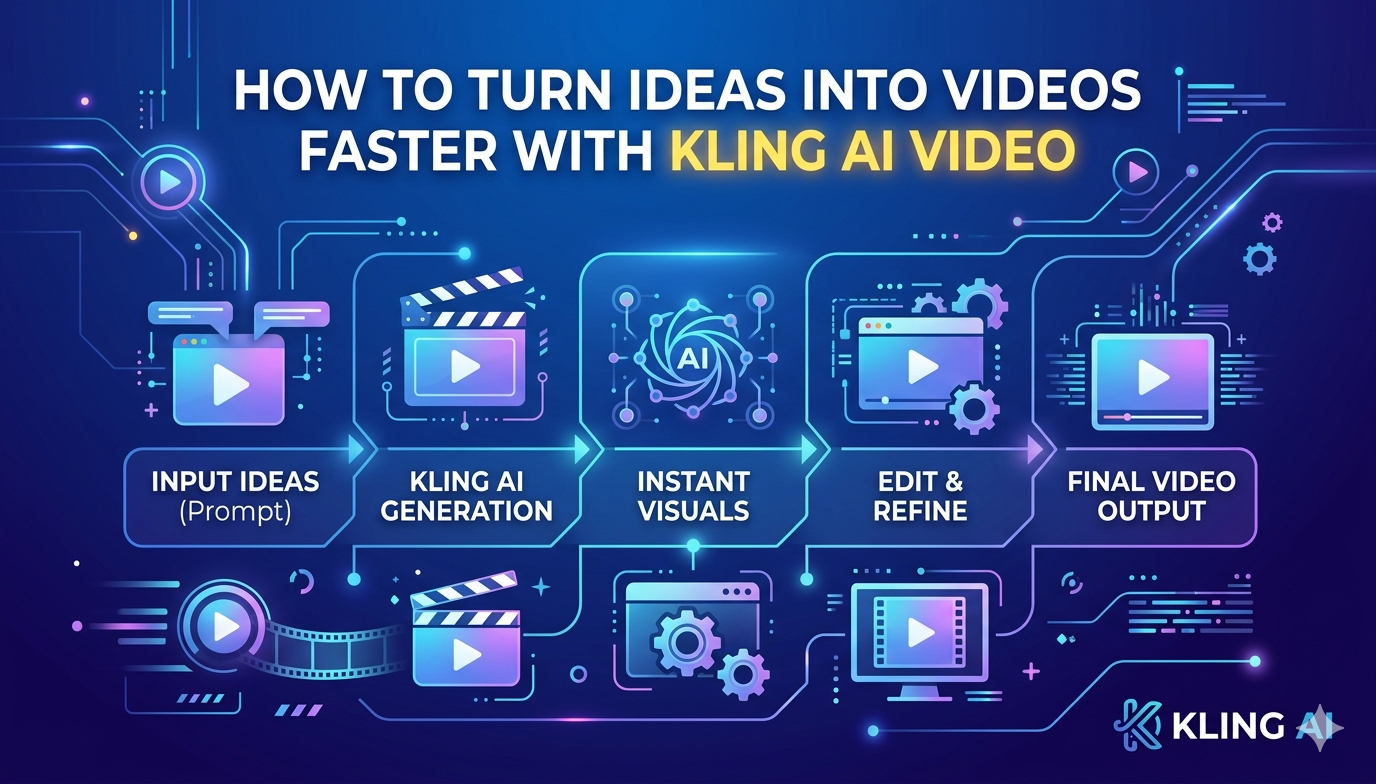
How to Turn Ideas Into Videos Faster With Kling AI Video
Turning ideas into videos used to be a slow, multi-step process involving scripting, shooting, editing, and post-production. Today, that process is rapidly evolving. With advancements in AI-driven tools, creators can now move from concept to finished video in a fraction of the time it once took. This shift is not just about speed; it’s about accessibility, scalability, and creative freedom.
In the middle of this transformation, tools powered by Kling AI video capabilities are redefining how ideas are visualized. When paired with evolving ecosystems like invideo, these technologies are helping creators streamline production without sacrificing quality. The result is a more agile workflow where ideas can be tested, refined, and published faster than ever before.
This article explores how you can turn ideas into videos faster using modern AI-driven approaches, breaking down the process into practical steps and strategies.
Understanding the Workflow of AI Video Creation
From Concept to Execution
At its core, video creation begins with an idea. Traditionally, that idea would go through several layers, scriptwriting, storyboarding, filming, and editing. Each stage required time, resources, and often a team of specialists.
AI-powered workflows simplify this journey. Instead of manually handling every stage, creators can input an idea or prompt and let the system generate visuals, scenes, and transitions. This reduces the gap between ideation and execution.
Why Speed Matters in Content Creation
In today’s fast-paced digital landscape, timing is everything. Trends evolve quickly, and audiences expect fresh content regularly. A faster production cycle allows creators to:
- Respond to trends in real time
- Test multiple ideas quickly
- Maintain consistent publishing schedules
- Reduce production costs
Speed is no longer a luxury—it’s a competitive advantage.
How Kling AI Video Accelerates Video Creation
The emergence of kling AI video technology marks a significant leap in how videos are produced. Combined with systems like invideo, which has collaborated on advanced video generation engines such as VFX House built on Kling O1, creators gain deeper control over video elements while maintaining efficiency.
Smarter Idea Interpretation
AI-driven systems can interpret text prompts and convert them into visual sequences. Instead of manually designing each scene, you can describe your idea, and the system builds a visual narrative around it.
This removes the friction between imagination and execution, allowing creators to focus more on storytelling rather than technical constraints.
Automated Scene Generation
One of the most time-consuming parts of video creation is building scenes. AI tools can automatically generate:
- Backgrounds
- Character movements
- Visual transitions
- Lighting and effects
This drastically cuts down production time while maintaining consistency across the video.
Enhanced Creative Control
Modern AI video engines are not just about automation; they also offer customization. Creators can tweak scenes, adjust pacing, and refine visuals without starting from scratch.
This balance between automation and control is what makes AI-driven workflows powerful.
Breaking Down the Fast Video Creation Process
Step 1: Start With a Clear Idea
Every fast workflow begins with clarity. Define:
- The purpose of your video
- The target audience
- The core message
AI tools work best when the input is precise. A clear idea leads to better output.
Step 2: Convert Ideas Into Scripts
Instead of spending hours writing scripts, AI can generate structured narratives based on your input. You can then refine tone, style, and length as needed.
This step ensures your video has direction without slowing you down.
Step 3: Generate Visuals Instantly
With AI-powered systems, visuals are generated directly from the script or prompt. This eliminates the need for:
- Manual shooting
- Stock footage searching
- Complex editing timelines
The entire visual layer can be built within minutes.
Step 4: Customize and Refine
Even though AI handles the heavy lifting, human input is still essential. Fine-tuning elements like:
- Scene transitions
- Visual consistency
- Timing and pacing
ensures the final output aligns with your vision.
Step 5: Export and Publish
Once the video is ready, exporting and publishing can happen almost instantly. This allows creators to maintain a rapid content cycle.
The Role of AI in Reducing Production Bottlenecks
Eliminating Technical Barriers
Traditional video production often requires technical expertise. AI removes these barriers by simplifying complex processes.
Creators no longer need advanced editing skills to produce high-quality videos.
Minimizing Resource Dependency
AI-driven workflows reduce the need for large teams and expensive equipment. A single creator can now handle tasks that once required multiple professionals.
Speeding Up Iteration Cycles
One of the biggest advantages of AI is the ability to iterate quickly. If a video doesn’t perform well, you can:
- Adjust the concept
- Regenerate visuals
- Publish a revised version
This rapid iteration leads to better content over time.
Using an AI Generated Video App for Faster Output
An ai generated video app plays a crucial role in streamlining the entire process. These tools are designed to handle multiple stages of video creation within a single platform.
All-in-One Functionality
Instead of switching between different tools for scripting, editing, and rendering, creators can manage everything in one place. This reduces workflow fragmentation.
Real-Time Processing
AI-powered apps can generate and render videos in real time, significantly reducing waiting periods.
Accessibility for All Skill Levels
Whether you’re a beginner or an experienced creator, these tools adapt to your level of expertise, making video production more inclusive.
Practical Tips to Turn Ideas Into Videos Faster
Focus on Simplicity
Complex ideas take longer to execute. Start with simple concepts and build from there.
Use Structured Prompts
Clear and structured prompts lead to better AI-generated outputs. Be specific about:
- Visual style
- Tone
- Duration
Prioritize Speed Over Perfection
In fast-paced environments, publishing quickly is often more valuable than achieving perfection. You can always refine later.
Build a Repeatable Workflow
Create a system that you can reuse for multiple videos. This could include:
- Standardized prompts
- Consistent video formats
- Predefined styles
Leverage Automation
Let AI handle repetitive tasks so you can focus on creativity and strategy.
Challenges to Be Aware Of
Maintaining Originality
With automation, there’s a risk of producing content that feels generic. Adding personal input and creative direction helps maintain uniqueness.
Quality Control
AI-generated content still requires review. Ensuring accuracy and consistency is essential before publishing.
Learning Curve
While AI simplifies many processes, understanding how to use it effectively takes time. Experimentation is key.
The Future of Fast Video Creation
The evolution of AI video technology is just beginning. As systems become more advanced, we can expect:
- More realistic visuals
- Better understanding of creative intent
- Faster rendering speeds
- Greater customization options
The integration of advanced engines, like those built on Kling O1, signals a future where video creation becomes even more intuitive and efficient.
Conclusion
Turning ideas into videos faster is no longer a challenge reserved for large teams or experienced professionals. With AI-driven workflows, creators can move from concept to execution in record time.
Technologies like kling ai video, combined with evolving platforms such as invideo, are reshaping how videos are created. By simplifying complex processes, reducing production time, and enabling rapid iteration, these tools empower creators to focus on what truly matters, bringing ideas to life.
As AI continues to advance, the ability to create high-quality videos quickly will become a standard rather than an exception. Those who embrace these tools and workflows will be better positioned to keep up with the ever-changing demands of digital content.

Related Posts

Maximizing Efficiency in Automotive Export: The Essential Guide to UK Car Export to Middle East

to know about puwipghooz8.9 edge: Complete Overview of Features, Purpose, and Key Insights